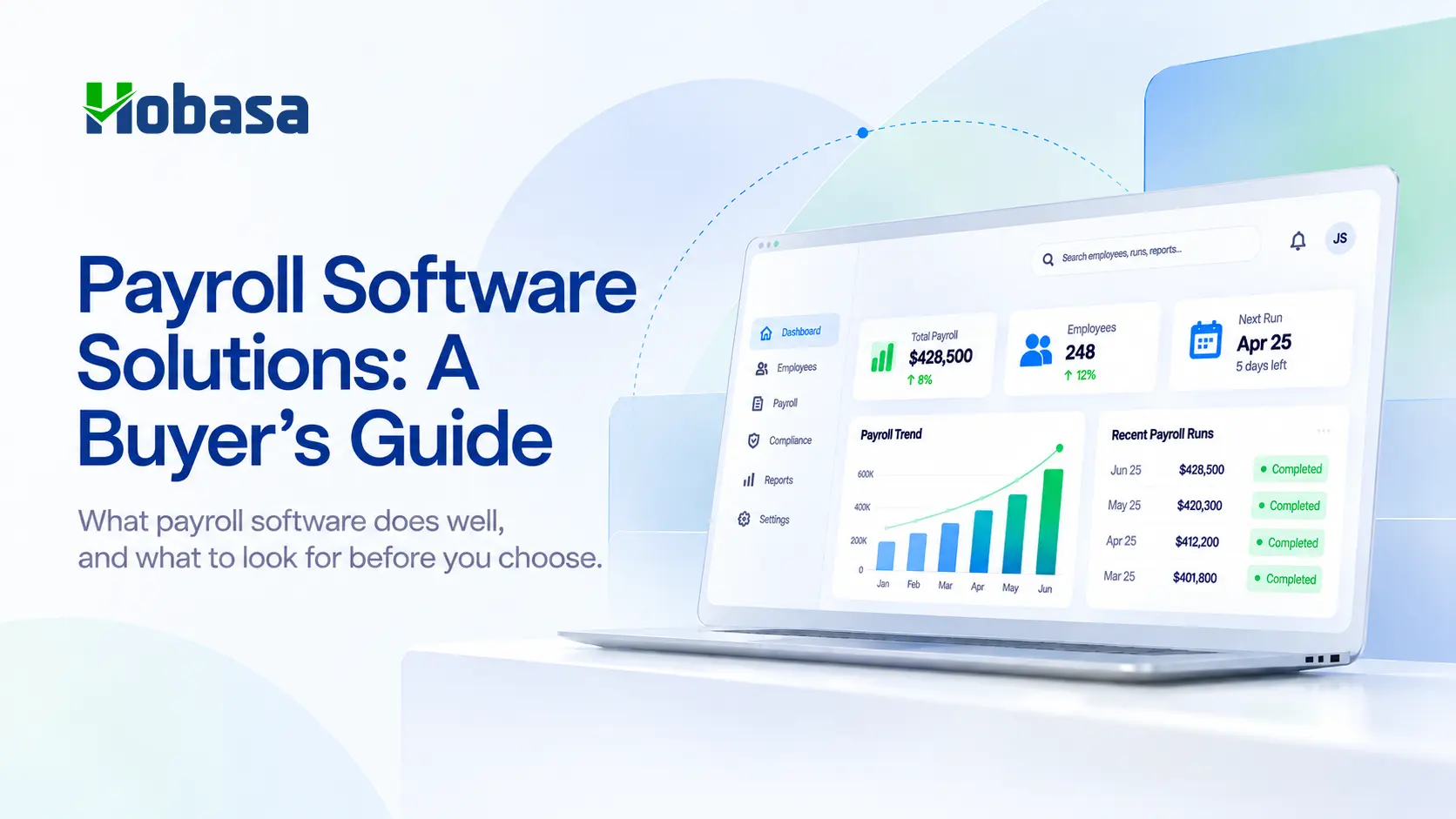
- Payroll software solutions calculate pay, file taxes, deposit salaries, and give employees self-service access to pay stubs and tax forms, with compliance built in as rules change.
- The category splits into real types: standalone payroll-first tools, full-service HCM or PEO bundles, payroll embedded inside accounting software, and time-tracking-plus-payroll platforms for hourly teams.
- Evaluation should weigh accuracy, tax-filing capability, ease of use, support quality, and implementation, not headline price alone.
- Payroll software's job ends at running payroll correctly according to the rules it was given. It generally does not check whether those rules still match HR's headcount, finance's budget, or catch a duplicate payment before it goes out.
- Below: what these tools should do, the categories to choose between, what they structurally don't check, and where a cross-system layer like Hobasa fits in addition to, not instead of, your payroll software.
What Are Payroll Software Solutions?
Payroll software solutions calculate employee pay, file payroll taxes, deposit salaries, and give employees self-service access to pay stubs and tax documents, while keeping the business compliant as tax and labor rules change.
At a minimum, a payroll platform does five things well: it calculates pay correctly, files taxes on the business's behalf, deposits money directly into employee bank accounts, gives employees a self-service portal for pay stubs and W-2s, and keeps the business compliant when rules shift. Everything else, HR features, benefits administration, time tracking, is added on top of that core job.
What Payroll Software Solutions Should Do
Beyond the five basics, the criteria that separate a good payroll platform from a merely adequate one:
Accuracy: pay calculated correctly every cycle, across salaried, hourly, and contractor workers, without manual correction after the fact.
Tax-filing capability: federal, state, and local tax filing handled automatically, including multi-state payroll if the business operates across state lines, since this is exactly where manual processes tend to break down first.
Ease of use and onboarding: how long it actually takes a non-specialist to run a first payroll, not just how polished the demo looks.
Support availability: 24/7 versus business-hours-only, and U.S.-based versus offshore support, matters more once something goes wrong on a Friday afternoon than it does during the sales call.
Integration with accounting and time tracking: payroll data should flow into your accounting system and pull hours from time tracking without manual re-entry, which is one of the most common sources of payroll error.
Quality of implementation: how smooth the actual switch-over is, not just the feature list, since a rocky first payroll cycle sets the tone for how much you trust the platform afterward.
Total cost, not headline price: add-ons for time tracking, benefits administration, or multi-state filing can push real cost well above the advertised base price, and are worth pricing out before committing.
Types of Payroll Software Solutions
Not every business needs the same kind of payroll platform, and the right category depends on team structure more than company size alone.
| Category | What it is | Good fit for |
|---|---|---|
| Standalone payroll-first | Purpose-built payroll with light HR features, such as Gusto, OnPay, Patriot Software, or Square Payroll | Small businesses that want payroll done well without a full HCM suite |
| Full-service HCM or PEO | Bundled payroll, HR, benefits, and compliance in one platform, such as ADP RUN, Paychex Flex, Paycom, Paycor, or TriNet | Growing businesses that want payroll, HR, and benefits managed together, sometimes with co-employment support |
| Embedded or powered-by | Payroll built into or layered onto accounting software, such as QuickBooks Payroll or FreshBooks Payroll (powered by Gusto) | Businesses already standardized on one accounting platform who want payroll in the same place |
| Time tracking plus payroll | Scheduling, time tracking, and payroll combined, such as Homebase, built so hours flow into payroll without re-entry | Hourly teams, retail, and food service businesses where time tracking accuracy drives payroll accuracy |
| Contractor and global payroll | Platforms built for distributed or international teams, such as Deel or Rippling's global payroll tools | Businesses paying contractors or employees across multiple countries |
Most small businesses with a simple, U.S.-based, mostly salaried team fit comfortably into the first or third category. Complexity, multiple states, a large hourly workforce, contractors, or international staff, is usually what pushes a business toward the second, fourth, or fifth.
Read more on how a related reconciliation problem shows up for advisors managing several clients at once: CFO Dashboard Examples: The 10 Checks Hobasa Runs on Every Client.
See what a cross-system view adds once payroll runs. Explore the Hobasa platform to see how payroll, HR, and finance data get checked against each other.
What Payroll Software Solutions Don't Check For You
Here's the part most buyer's guides skip: payroll software's job is to execute payroll correctly according to the rules and data it was given. It is not built to verify that those rules and that data still match reality somewhere else in the business.
A payroll platform will run 40 hours at the pay rate on file, correctly, every time. It will not tell you the HRIS shows that employee at 32 scheduled hours, or that finance budgeted for a smaller team this quarter than payroll is currently paying. It will file the tax return correctly based on the classification on file. It will not tell you that classification looks inconsistent with how the person is actually being scheduled and managed.
This is not a shortfall in any specific product. It's a boundary of the category. Payroll software is built to execute payroll accurately, not to reconcile payroll against HR, finance, or operations data it was never connected to for that purpose.
Payroll ran. Did HR and Finance agree?
Hobasa checks whether payroll matches the headcount, cost, and policy picture other systems expect.
Talk to our teamWhere Hobasa Fits: Payroll Data, Cross-Checked
Hobasa is not payroll software, and it does not calculate pay, file taxes, or deposit salaries. It's a cross-system intelligence layer that reads payroll data alongside HRIS, finance, and operations data to check whether they agree.
In practice, that shows up as a few specific, already-confirmed capabilities:
Payroll Anomaly Score: flagging payroll entries that don't reconcile cleanly against the general ledger or HR records.
Payroll-to-GL variance checks: comparing what payroll actually paid against what the general ledger recorded for the same period, and surfacing the gap rather than letting it sit unnoticed until close.
Cross-system headcount checks: catching when the HRIS, payroll, and finance systems each show a different headcount for the same period, which happens more often than most finance teams expect.
Every finding is source-grounded, citing the specific payroll, HRIS, or general ledger record it came from, and reviewed by a person before it reaches a decision-maker, following Hobasa's stated AI-assisted, human-reviewed approach. This sits on top of whatever payroll software a business already uses. Nothing about the payroll platform changes; Hobasa adds the cross-check that platform was never built to run.
A scenario worth recognizing. Payroll runs correctly according to the hours submitted, on time, taxes filed, direct deposit sent, exactly what the platform is built to do. Separately, the HRIS shows a role marked part-time at 25 scheduled hours a week. Payroll has been processing that same person at consistent full-time hours for two months. Neither system is malfunctioning. Payroll is executing what it was told; the HRIS reflects what was entered when the role was set up. Nobody has compared the two, because neither platform was built to look at the other. That comparison, not a payroll error, is the finding.
Bring a payroll number you want checked against HR and finance. Talk to the Hobasa team and see whether the systems actually agree.
Keep your payroll platform. Close the gaps around it.
Hobasa sits across payroll, HRIS, and the ledger so exceptions surface before they become disputes.
Get in touchHow to Choose Payroll Software Solutions
1. Match the category to your team structure. A mostly-salaried single-state team has different needs than an hourly, multi-state, or contractor-heavy one.
2. Confirm multi-state and tax-filing coverage if you operate, or plan to operate, across state lines.
3. Check integration with your accounting and time-tracking systems specifically, not a generic "integrates with popular tools" claim.
4. Ask about support hours and location. A payroll issue on a Friday afternoon is not the moment to discover support is offshore and closed until Monday.
5. Price the total cost, including add-ons for time tracking, benefits administration, and multi-state filing, not just the advertised base price.
6. Decide, separately, whether you need cross-system verification. If the real concern is whether payroll still matches HR and finance data, that's a different tool than the payroll platform itself, worth adding rather than expecting the payroll software to cover.
Not sure if your payroll, HR, and finance numbers agree? Book a walkthrough and bring one payroll figure you'd like checked against the rest of your systems.
The Bottom Line
Payroll software solutions exist to make sure every paycheck is accurate, on time, and compliant, and the good ones do that job well. What they don't do is confirm that the number they just paid still matches what HR, finance, and operations each believe to be true. That's a different question, and increasingly one businesses need answered separately.
Talk to the Hobasa team about checking your payroll against the rest of your systems. Book a demo or explore the platform.
Turn payroll data into connected intelligence.
Talk to the Hobasa team about checking your payroll against HR, finance, and operations data to find discrepancies your payroll platform cannot see on its own.
FAQs
Payroll software solutions calculate employee pay, file payroll taxes, deposit salaries, and give employees self-service access to pay stubs and tax documents, while keeping the business compliant as tax and labor rules change.
There is no single best option for every business. Standalone tools like Gusto, OnPay, or Patriot Software suit simple, mostly-salaried teams. Full-service HCM platforms like ADP RUN or Paychex Flex suit growing businesses that want HR and benefits bundled in. Time-tracking-plus-payroll platforms like Homebase suit hourly teams in retail or food service.
Generally, no, beyond validating the data entered directly into the payroll platform itself. Payroll software is built to execute payroll accurately based on the rules and data on file, not to reconcile that data against a separate HRIS or general ledger.
Base pricing commonly runs in the range of $40 to $50 a month plus a per-employee fee for small business plans, though total cost rises with add-ons like time tracking, benefits administration, or multi-state filing.
Most payroll platforms will correctly execute whatever is on file, including an error, since they were not built to cross-check payroll against HR or finance records. Catching that kind of discrepancy usually requires a separate reconciliation layer that reads both systems.
No. Hobasa does not process payroll, file taxes, or deposit pay. It's a cross-system intelligence layer that reads payroll data alongside HRIS and finance data to flag where they disagree, working alongside whatever payroll software a business already uses.
Most modern platforms integrate with popular accounting software and can pull hours from time tracking tools, though the depth of that integration varies significantly by provider and is worth confirming against your specific systems rather than a generic claim.