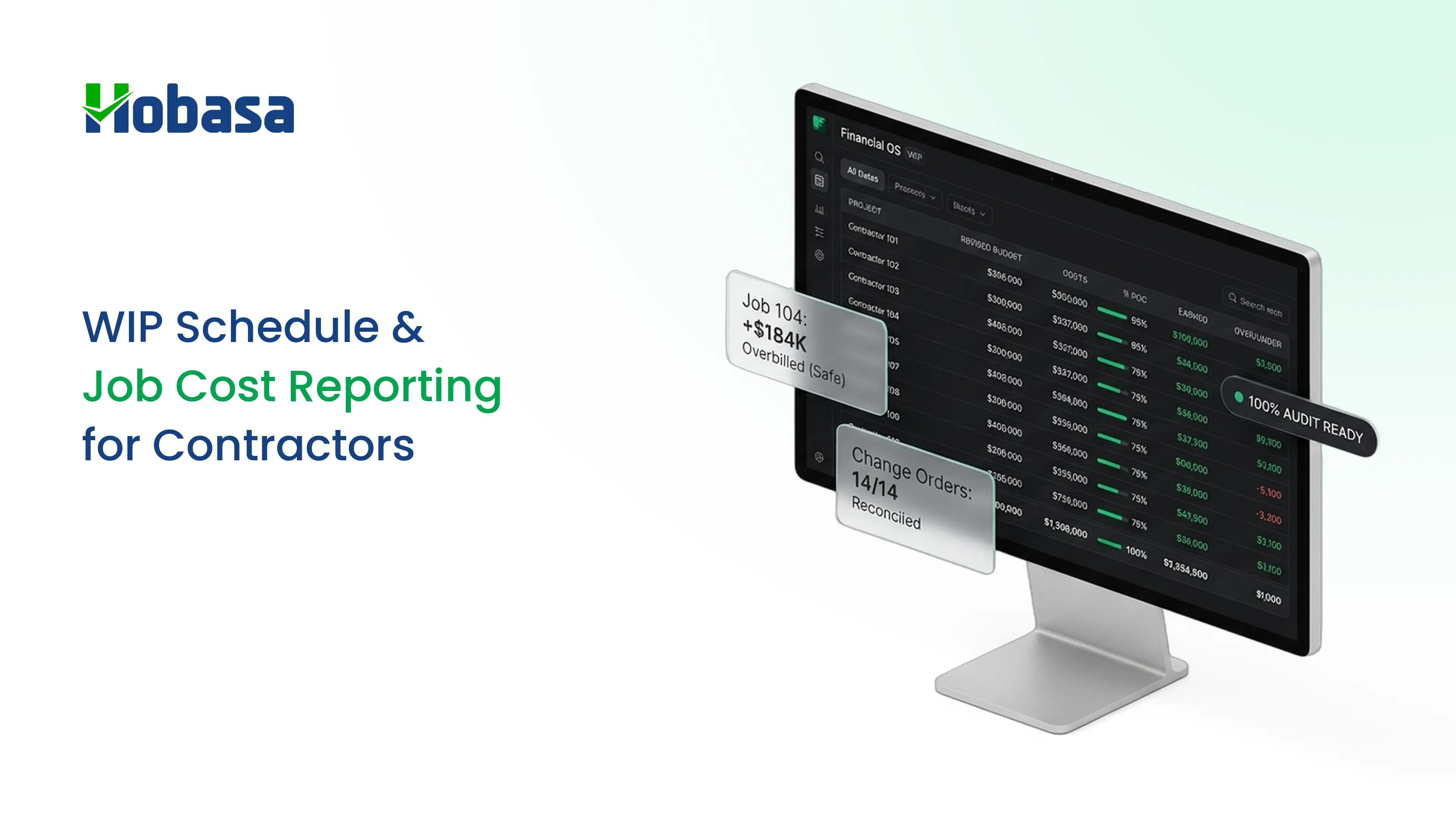
- A WIP schedule compares earned revenue with billings on every open job. The difference is overbilling (a liability) or underbilling (an asset).
- The standard calculation is cost-to-cost: percent complete equals cost to date divided by estimated total cost. Earned revenue is percent complete times contract value.
- Percent complete is only as good as the cost estimate. A stale estimate makes the whole schedule misleading.
- Profit fade, a job's margin shrinking from one schedule to the next, is the signal sureties and lenders watch most closely.
- A job cost report shows cost detail by job and cost code. The schedule summarizes the job's financial position. You need both.
- Many WIP errors come from the data feeding the schedule: unposted costs, unallocated labor, unbilled change orders, and mismatched billing records.
A WIP schedule is the report that tells a contractor whether the jobs in progress are actually making money. It shows how much of each job is done, how much revenue has been earned, how much has been billed, and whether the margin is holding.
Most explainers stop at the formulas. They skip a harder problem: the schedule is only as good as the cost data behind it. If a payroll run is not allocated to jobs, a subcontractor bill is missing, or a change order is approved in one system and never billed in another, every column is wrong, and the schedule still looks precise.
This guide explains how to read a construction WIP schedule and a job cost report, walks through an example, and ends with a ten-point check for the data underneath.
What Is a WIP Schedule?
A WIP schedule, also called a construction WIP report or work in progress report, is a job-by-job summary that shows, for each open contract, how much work is complete, how much revenue that work has earned, and how that compares with what has been billed.
For each job it typically shows the contract price, estimated total cost, costs incurred to date, estimated cost to complete, percent complete, earned revenue, billings to date, and the resulting over or under billing.
Searches for a WIP report in construction usually mean this same schedule. Contractors use it because billing and progress rarely move together. A contractor may bill ahead of the work to hold cash, or fall behind on billing while costs pile up. Neither shows in the bank balance alone.
Who Reads a WIP Schedule, and Why It Matters
Owners and project managers use it to see which jobs are healthy and which are slipping.
CPAs use it to recognize revenue on long-term contracts.
Sureties use it when deciding bonding capacity. Several construction accounting guides note that surety underwriters read the WIP schedule closely.
Banks and lenders use it to judge working capital and credit lines.
A clean schedule helps with all four. A messy one raises questions, even when the jobs are fine.
How to Read a WIP Schedule, Column by Column
| Column | What it shows | How it is calculated |
|---|---|---|
| Job | The job number and name | Must match the job cost ledger |
| Original contract | The signed price | From the contract |
| Approved change orders | Signed changes only | From approved change orders |
| Revised contract | Current contract value | Original contract plus approved change orders |
| Estimated total cost | The latest cost estimate at completion | Cost to date plus estimated cost to complete |
| Cost to date | Actual cost incurred | From the job cost report |
| Estimated cost to complete | What is still to be spent | Estimated total cost minus cost to date |
| Percent complete | Progress by cost | Cost to date divided by estimated total cost |
| Earned revenue | Revenue earned to date | Percent complete times revised contract |
| Billings to date | Amount invoiced | From pay applications |
| Over or under billing | The gap | Billings to date minus earned revenue |
| Estimated gross profit | Expected profit at completion | Revised contract minus estimated total cost |
| Estimated gross profit percent | Expected margin | Estimated gross profit divided by revised contract |
How Percent Complete Works
Most contractors use the cost-to-cost method of percentage of completion accounting. It is an input method that is permitted under ASC 606, the revenue recognition standard, and construction accounting guides describe it as the standard approach for most contracts.
Percent complete = cost to date ÷ estimated total cost
Earned revenue = percent complete × revised contract value
Over or under billing = billings to date − earned revenue
The weak point is the estimate. Percent complete moves whenever the estimated total cost moves. If the estimate is out of date, the job looks further along than it is, and earned revenue and profit are overstated.
This is general information, not accounting advice. Your CPA decides the revenue method that applies to your contracts.
A Worked Example
Illustrative example. Three open jobs, all fictional.
| Job | Revised contract | Est. total cost | Cost to date | % complete | Earned revenue | Billings to date | Over / (under) billing | Est. gross profit |
|---|---|---|---|---|---|---|---|---|
| Harbor Street Medical Office | $1,450,000 | $1,160,000 | $696,000 | 60.0% | $870,000 | $950,000 | $80,000 over | $290,000 (20.0%) |
| Elm Ridge Warehouse | $620,000 | $500,000 | $425,000 | 85.0% | $527,000 | $480,000 | $47,000 under | $120,000 (19.4%) |
| Pine Court Apartments | $2,300,000 | $1,840,000 | $552,000 | 30.0% | $690,000 | $760,000 | $70,000 over | $460,000 (20.0%) |
| Total | $4,370,000 | $3,500,000 | $1,673,000 | $2,087,000 | $2,190,000 | $103,000 net over | $870,000 (19.9%) |
All figures are fictional.
How to read it:
Harbor Street is 60% complete by cost, so it has earned $870,000. It has billed $950,000, which is $80,000 ahead of the work. That is cash collected for work not yet done, not profit.
Elm Ridge is 85% complete and has earned $527,000 but billed only $480,000. The $47,000 underbilling needs an explanation: a pay application not sent, a change order not approved, or an estimate that is too optimistic.
Pine Court is early, at 30%, and has billed $70,000 ahead.
In total, the company is $103,000 net overbilled. That is a liability, and it will be consumed as the remaining work is done.
Get a Clearer Picture of Job Profitability
Compare project costs, estimated budgets, and actual spending to identify discrepancies before they affect your construction job margins.
Explore HobasaOverbilling and Underbilling Explained
The gap between earned revenue and billings is called over/under billing. Which side of zero a job sits on changes how you read it.
| Overbilling | Underbilling | |
|---|---|---|
| What it means | Billed more than earned | Earned more than billed |
| Balance sheet | A liability (billings in excess of costs and estimated earnings) | An asset (costs and estimated earnings in excess of billings) |
| Common causes | Front-loaded billing, advance payments, a deliberate cash strategy | Unbilled change orders, billing behind the work, a pay application not sent |
| What to ask | Is the remaining budget enough to finish the work the cash was collected for? | Is there an unapproved change order, a cost overrun, or a billing that never went out? |
Moderate overbilling from a front-loaded schedule of values is common and healthy for cash flow. Large or chronic underbilling is the bigger warning sign.
There is no universal threshold for what is too much. Compare each job with its own history, with your other jobs, and with what your surety and lender expect.
Profit Fade, Gain, and Why Re-Estimating Matters
Profit fade is a job's estimated gross profit shrinking from one schedule to the next. Gain is the opposite. Sureties and lenders treat repeated fade as a sign of weak estimating or poor cost control.
Illustrative example: re-estimating Elm Ridge. The estimated total cost rises from $500,000 to $540,000, and no change order covers it.
| Before | After re-estimate | |
|---|---|---|
| Estimated total cost | $500,000 | $540,000 |
| Percent complete | 85.0% | 78.7% |
| Earned revenue | $527,000 | $487,963 |
| Over / (under) billing | $47,000 under | $7,963 under |
| Estimated gross profit | $120,000 (19.4%) | $80,000 (12.9%) |
All figures are fictional.
One change to the estimate moved percent complete, earned revenue, billing position, and margin at the same time. The underbilling shrank, but not because anything was billed. The job simply got less profitable on paper, which is the real finding.
If the extra cost is covered by an approved $55,000 change order with $44,000 of added cost, the revised contract becomes $675,000, the estimate $584,000, and the estimated profit $91,000 (13.5%). The margin is still lower than the original, which is why change orders need to be priced for margin and not just for cost.
WIP Schedule vs Job Cost Report
The two reports answer different questions, and you need both.
| Job cost report | WIP schedule | |
|---|---|---|
| Question it answers | Where did the money go on this job? | How is each job doing financially, and what has been earned and billed? |
| Level | One job, by cost code | All open jobs, one line each |
| Key columns | Budget, committed, actual, variance | Contract, cost, percent complete, earned revenue, billings, over or under billing |
| Main users | Project managers, estimators | Owners, CFOs, CPAs, sureties, lenders |
| Typical cadence | Weekly or monthly | Monthly |
The schedule pulls its "cost to date" from the job cost report. If the job cost report is wrong, the schedule inherits the error.
A Simple WIP Schedule Template
If you build the schedule in Excel, use one row per open job and these columns in this order:
| Column | Type | Formula |
|---|---|---|
| A. Job | Input | |
| B. Original contract | Input | |
| C. Approved change orders | Input | |
| D. Revised contract | Formula | B + C |
| E. Cost to date | Input (from the job cost report) | |
| F. Estimated cost to complete | Input (from the project manager) | |
| G. Estimated total cost | Formula | E + F |
| H. Percent complete | Formula | E ÷ G |
| I. Earned revenue | Formula | H × D |
| J. Billings to date | Input (from pay applications) | |
| K. Over or (under) billing | Formula | J − I |
| L. Estimated gross profit | Formula | D − G |
| M. Estimated gross profit percent | Formula | L ÷ D |
Add a column for the date the project manager last updated the cost to complete. Stale estimates are the quickest way for a schedule to mislead.
How to Update the WIP Schedule Each Month
Close the period for job costs. Make sure all bills, subcontractor pay applications, and payroll for the period are posted to jobs.
Get updated cost-to-complete estimates from each project manager, with a date.
Confirm approved change orders on both the revenue side and the cost side.
Update billings to date from the pay applications issued.
Calculate percent complete, earned revenue, and over or under billing.
Review exceptions first: jobs past 100% with cost to complete remaining, big underbillings, margin changes, and stale estimates.
Compare with last month and write down what changed and why.
Practice guides generally recommend doing this monthly for yourself, not once a year for your CPA.
Does QuickBooks Have a WIP Report?
It depends on the product and the plan, so check yours.
QuickBooks Online has historically had no native WIP schedule. Contractor guides and Intuit's own community threads describe it that way, and say the closest report is Job Profitability, which shows costs against invoiced revenue but does not calculate percent complete or over and under billing.
One CPA firm reports that Intuit has since added basic WIP reporting, covering contract value, estimated cost, percent complete, and over or under billing, to the Advanced and Intuit Enterprise Suite tiers.
Even where a basic report exists, it relies on the same inputs: complete job costs, current estimates, and correct billings. For why books alone are rarely enough, see QuickBooks reports.
A 10-Point Data Check Before You Trust the WIP Schedule
Run this check before the schedule goes to your CPA, surety, or lender.
| # | Check | What to compare | A typical finding | Why one system misses it |
|---|---|---|---|---|
| 1 | Cost cutoff | Bills and subcontractor pay applications received against costs posted to jobs | Costs dated after period end, or not yet posted | The job cost report shows only what has been entered |
| 2 | Payroll to job cost | Payroll register labor against labor posted to jobs | Crew hours not allocated to jobs | Payroll and job costing live in different systems |
| 3 | Labor burden | Burden rates applied to job labor against actual taxes, benefits, and insurance | Burden understated, so cost to date and percent complete are too low | Rates are set once and rarely rechecked |
| 4 | Committed costs | Open subcontracts and purchase orders against the estimate to complete | Commitments larger than the remaining budget | Commitments live in the project management system |
| 5 | Change orders (cost) | Approved changes in the project system against the job budget | Added cost not reflected in estimated total cost | Budget and change order logs are kept separately |
| 6 | Change orders (revenue) | Approved changes against the contract value and billings | Approved work never billed | Billing runs on a different schedule |
| 7 | Billings | Billings to date against pay applications and receivables | Billing in the schedule differs from invoices issued | Accounting and project systems record billing differently |
| 8 | Retainage | Retainage receivable and payable against pay applications | Retainage missing or mismatched | Typically tracked in more than one place |
| 9 | Estimate freshness | The date of the last cost-to-complete update | Estimates months old | Nothing flags a stale estimate |
| 10 | Job list | Open jobs in the schedule against active jobs in operations | A job missing, a closed job left in, or a job over 100% | Job lists are kept in each system |
Checks 2, 4, 5, 6, and 7 involve more than one system. That is where single-tool reports are weakest. For the payroll side, see payroll errors, and for why connected systems still drift, see financial data integration.
Keep a short log of what you find each month, with the job, the issue, the owner, and the date. After two or three months it shows which jobs and which projects managers need attention.
Find the Gaps Behind Your WIP Numbers
Compare job costs, payroll, change orders, and billings across your systems to identify discrepancies before they affect your WIP schedule.
Explore HobasaCommon WIP Schedule Mistakes
Stale cost-to-complete estimates. The most common source of profit that is not real.
Unapproved change orders counted as revenue. Track them separately until approved.
Unallocated labor. Payroll that never reaches job cost understates cost and percent complete.
Treating overbilling as profit. It is cash for work still to be done.
Ignoring retainage. Retainage receivable is an asset, but it is not cash in hand. Construction guides commonly put it at 5% to 10% of each invoice.
Jobs at or past 100% with cost still to complete. A sign the contract value or estimate was entered wrongly.
One schedule a year. Monthly updates catch problems while the job can still be corrected.
For the wider pattern, see financial leakage.
The Role of Hobasa in a WIP Process
Hobasa is not WIP schedule software, job costing software, or a project management system. It does not build your WIP schedule.
Its role is the data check. Hobasa is a cross-system intelligence layer. Its construction page describes connecting a contractor's project management, accounting, and payroll systems so that cost drift, unbilled change orders, and cash trapped in retainage surface while jobs are still open.
For a WIP process, that maps to the checks above:
| WIP problem | What Hobasa does (per its construction page) |
|---|---|
| Cost drift against the budget | Connects committed costs, invoices, and budgets to show job-cost drift by job and cost code while it can still be corrected |
| Unbilled change orders | Surfaces earned but unbilled change order and time-and-materials work, and keeps progress billing in sync with the work in place |
| Cash trapped in retainage | Finds retainage, slow pay-application approvals, and documentation gaps that hold cash |
| Labor cost against jobs | Shows labor cost, burden, overtime, and crew productivity against each job |
| Bonding and lender readiness | Describes clean WIP by job and cost code as part of readiness proof for sureties and lenders |
Every finding cites the exact record it came from, and an analyst reviews it before it reaches you. Access is read-only by default, and Hobasa works alongside your existing systems. It is delivered as a managed layer, with construction finance experts shaping and reviewing the rules.
Illustrative finding.
Question: Why does Pine Court show $70,000 overbilled when billing has not changed?
Finding: Payroll for two crews in the last pay period has not been allocated to the job. Labor cost to date is lower than payroll shows, which understates percent complete and inflates the overbilling.
Sources: Payroll register, last pay period. Job cost report, labor lines.
Status: Reviewed by analyst before delivery.
The finding is fictional.
It connects to systems including QuickBooks Online, NetSuite, Sage Intacct, Acumatica, and ADP Workforce Now. See integrations. For project management and construction accounting systems, ask the team to confirm that yours is supported.
Learn more about Hobasa for construction. Advisors who serve contractors can also see fractional CFOs and CPA firms.
Check the Data Behind Your WIP Schedule
Explore how project, accounting, and payroll records are compared, with the source behind every finding.
Explore the PlatformHow to Start: A 30-Day Plan
Week 1: list every open job and build or clean the WIP template, with a last-updated date for each estimate.
Week 2: collect fresh cost-to-complete estimates and confirm approved change orders on both revenue and cost.
Week 3: run the ten-point check on every job and log each exception, even small ones.
Week 4: finalize the schedule, review the exceptions, and compare with the prior month. Share it with your CPA and, if needed, your surety.
Start with your largest three jobs if time is short. The goal is a schedule you trust, not a perfect one.
Conclusion
A WIP schedule shows whether each open construction job is earning the revenue and profit expected, and whether billings are ahead of or behind the work.
Percent complete, earned revenue, overbilling, underbilling, and profit fade all depend on accurate costs, current estimates, approved change orders, and complete billing records.
The job cost report provides the detailed cost data behind the schedule. If that report is wrong, the WIP schedule inherits the error.
Update the schedule monthly and run the ten-point data check before sharing it with your CPA, surety, or lender.
Hobasa does not build WIP schedules. It compares project, accounting, and payroll records to surface discrepancies and provide the source behind each finding.
Check the Data Behind Your WIP Schedule
Explore how Hobasa compares project, accounting, and payroll records to surface discrepancies, with the source behind every finding.
FAQs
A WIP schedule is a job-by-job summary of open contracts showing contract value, estimated cost, cost to date, percent complete, earned revenue, billings, and over or under billing. Contractors, CPAs, sureties, and lenders use it to judge job profit and billing position.
Start with percent complete, then compare earned revenue with billings to see overbilling or underbilling. Check each job's estimated gross profit against the prior month for fade, and flag jobs past 100%, stale estimates, and large underbillings for follow-up.
Divide cost to date by estimated total cost. For example, $696,000 of cost on a job estimated at $1,160,000 is 60% complete. This cost-to-cost method is an input method permitted under ASC 606 and is the standard for most construction contracts.
Overbilling means you have billed more than you have earned, and it is a liability. Underbilling means you have earned more than you have billed, and it is an asset. Both compare billings to date with earned revenue calculated from percent complete.
Not by itself. Moderate overbilling from a front-loaded schedule of values helps cash flow. It becomes a concern when it is large or growing, because the cash is for work still to be done, and the remaining budget has to be enough to finish it.
Profit fade is a job's estimated gross profit shrinking from one WIP schedule to the next, often from cost overruns, optimistic estimates, or unbilled change orders. Sureties and lenders watch for it because it points to weak estimating or cost control.
Monthly is the common recommendation. Update cost-to-complete estimates, change orders, and billings each month, so problems surface while the job can still be corrected. A yearly schedule prepared only for the CPA hides fade until it is too late.
A job cost report shows budget, committed, and actual costs for one job by cost code. A WIP schedule summarizes every open job, adding contract value, percent complete, earned revenue, and billings. The WIP schedule takes its cost to date from the job cost report.
It shows each job's profit, billing position, and trend. Sureties use it to judge bonding capacity and banks use it to judge working capital. A clean, current schedule builds credibility, while stale estimates and repeated fade raise questions.
Historically it has not had a native WIP schedule, and contractors build one in a spreadsheet or add-on. One CPA firm reports that Intuit has added basic WIP reporting to the Advanced and Intuit Enterprise Suite tiers. Check your plan, and remember any report depends on complete job costs.
Yes. The math can be correct while the inputs are wrong: missing costs, unallocated payroll, stale estimates, unbilled change orders, or a billing figure that does not match the invoices. That is why a data check belongs before the schedule is shared.
Hobasa does not build WIP schedules or replace job costing software. It connects project, accounting, and payroll records, surfaces cost drift, unbilled change orders, and trapped retainage, and cites the source for each finding with an analyst review. Access is read-only by default.