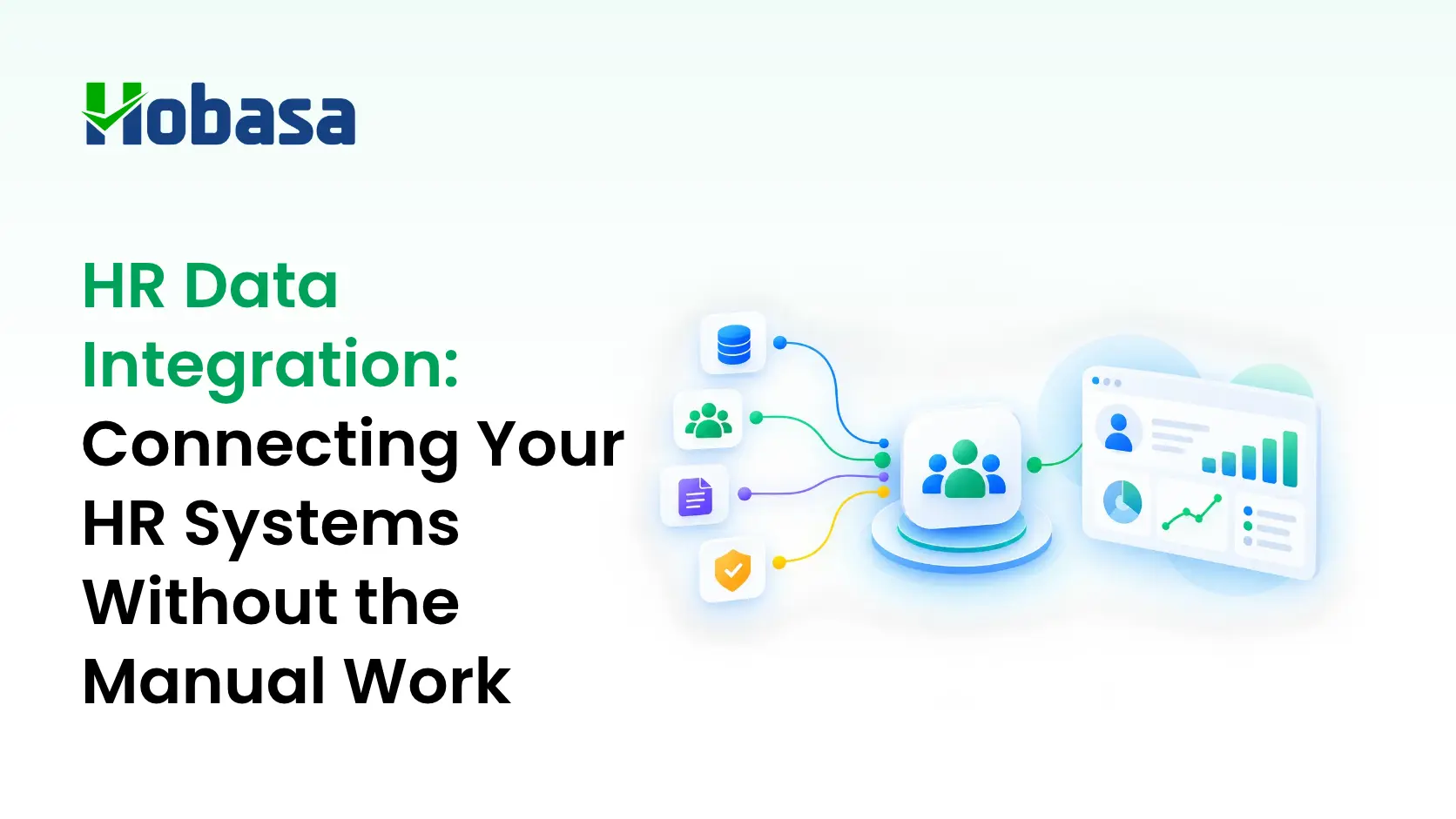
- HR data integration connects HRIS, payroll, applicant tracking, and related people systems so employee records move between them without manual re-entry.
- Three connections do most of the work: HRIS to payroll, ATS to HRIS, and payroll to the general ledger. Each one breaks in its own predictable way.
- HR integrations rarely fail loudly. They sync partially or drift, which shows up as backup spreadsheets, new hires missing from payroll on day one, and headcounts that differ by system.
- Connecting systems and checking that they agree are separate jobs. Analytics built on top of unreconciled data inherits its errors.
- Below: what HR data integration is, the three connections to get right, the main integration approaches, why they break, the warning signs of a silent failure, and where a cross-system layer like Hobasa fits.
What Is HR Data Integration?
HR data integration is the process of connecting HR systems, such as an HRIS, payroll, applicant tracking, and other people-management tools, so employee data flows between them automatically and consistently instead of being re-entered by hand.
Every integration starts with a decision about which system owns which data. The HRIS usually owns the employee record: who works here, in what role, at what status. Payroll owns what was actually paid. The applicant tracking system owns the candidate until the offer is accepted, then hands off. Integration is the set of rules that move data between those owners, in a defined direction, at a defined time.
When those rules are missing or incomplete, people fill the gap. Someone exports a report, reformats it, and types it into the next system. That is where most HR data errors are born.
The Three Connections That Matter Most
Most HR stacks have a long tail of smaller connections, but three do the heaviest lifting.
| Connection | What should flow | What goes wrong when it breaks |
|---|---|---|
| HRIS to payroll | Hires, terminations, promotions, pay changes, leave | Missed terminations, incorrect compensation, mismatched PTO accruals |
| ATS to HRIS | Candidate details, accepted offer, start date, hiring context | Duplicate records, manual re-keying, onboarding delays, missing compliance documents |
| Payroll to general ledger | Payroll totals by department and period | Labor cost in the books does not tie to the payroll register, usually discovered at close |
HRIS to payroll is the connection where HR and payroll data integration errors cost real money fastest. Every employee lifecycle event, a hire, a raise, a termination, a leave of absence, has to reach payroll before the next run. When it does not, the failure is not a software error. It is a person on the wrong pay rate, or a former employee still being paid.
ATS to HRIS is the handoff from hiring to employment. A strong integration carries the full hiring context across. A partial one connects the two systems technically but leaves coordinators still copying details by hand, which means you now manage two systems and still do the same manual work.
Payroll to the general ledger is where HR data becomes a finance problem. The labor figures in the books should tie to what payroll actually ran. The finance side of this same pattern is covered in Financial Data Integration: What It Means and Why It's Harder Than It Sounds.
Types of HR Data Integration
There is more than one way to build an HRIS integration, or any of the other connections above, and the right one depends on who will maintain it.
| Approach | How it works | Good fit |
|---|---|---|
| Native or marketplace connector | The vendor of one system maintains a ready-made connection to another | Common pairings where both vendors support it |
| Custom API build | Your own engineers build and maintain the connection against each vendor's API | Unusual workflows, if you have the engineering capacity to maintain it |
| Unified API | A third-party service offers one API in front of many HR systems | Software companies embedding HR integrations into their own product |
| Workflow automation (iPaaS) | A general-purpose automation platform moves data on triggers or schedules | Lighter workflows that a technical admin can own |
| Scheduled file export | Data exports on a schedule and loads into the destination | Low-frequency needs where a delay is acceptable |
Timing matters as much as method. Basic employee details change rarely and can refresh every few hours. Pay data during a payroll run has to be accurate in near real time, so it should never be treated like a slow-moving reference table.
All of these approaches move data. None of them, on their own, checks that the result is right. That distinction is the rest of this article.
Why HR System Integration Breaks
Vendors describe integration as a checkbox. In practice, a handful of structural problems keep it from staying fixed.
The same field means different things. "Active" may include people on leave in one system and exclude them in another. "Department," "start date," and "full-time equivalent" are all defined slightly differently depending on who configured them.
Connections multiply. Every new tool adds another connection to build and maintain. One integration vendor estimates that a custom HRIS integration takes around six weeks to build and that maintenance makes up most of its lifetime cost. Treat that as a rough, vendor-sourced estimate rather than a benchmark, but it points to something worth planning for: the build is rarely the biggest bill.
Vendors change their APIs. Endpoints get updated, authentication methods are retired, and data schemas shift. A connection that worked last quarter can quietly stop carrying a field, with no error message to show for it.
Edge cases pile up. A simple sync becomes a long project once rehires, mid-period changes, retroactive pay, and leave start appearing in real data.
Partial integrations create false confidence. Two systems can be technically connected while key fields are still missing or arrive late, so the team keeps doing the manual work anyway.
When an HR Integration Fails Silently
An integration that throws an error gets fixed. One that drifts does not, because nothing tells anyone it has stopped working. The warning signs tend to show up in the work around the systems, not in the systems themselves.
| Warning sign | What it usually means | What to compare |
|---|---|---|
| HR keeps backup spreadsheets to correct records | The sync is incomplete | Spreadsheet values against the HRIS fields they patch |
| A new hire is missing from payroll on day one | The ATS or HRIS handoff to payroll has a gap | HRIS start dates against first payroll records |
| Headcount differs between ATS, HRIS, and payroll | Status definitions or timing do not match | Headcount by employment status across all three |
| A terminated employee is still paid, or PTO balances look wrong | A termination or leave event did not reach payroll | Termination dates against last pay dates |
| Payroll cost in the ledger does not tie to the payroll register | The payroll-to-ledger mapping has drifted | The register against labor accounts for the same period |
None of these requires a better connector to detect. They require someone, or something, to compare the systems against each other on a regular basis.
Integration Is Plumbing. Intelligence Is Noticing.
Connecting two systems answers the question "can this data move." It does not answer "do these two systems agree," or "is this pattern worth a person's attention."
Illustrative example. An HRIS records a termination effective on the 14th. The termination does not reach payroll cleanly, so the next pay run covers the full period. No integration error appears. Both systems did what they were told, and the sync reports success. The problem only exists between the two records, and nobody is comparing them. A layer that reads HRIS and payroll data together is built to surface that kind of mismatch, citing both records, so a person can check it before it turns into an overpayment. Details here are fictional.
This is the same idea explored for the finance side in the companion piece. Integration is the plumbing. A separate layer has to notice when the water coming out looks wrong. For a closer look at what payroll software does and does not verify on its own, see Payroll Software Solutions: A 2026 Buyer's Guide.
See what sits on top of your existing integrations.
Explore the Hobasa platform to see how connected HR, payroll, and finance data becomes a finding, not just a data feed.
Talk to our teamIntegrating Data Analytics Into HR and Payroll Platforms
Many teams want analytics on top of their HR and payroll platforms, such as attrition forecasts, labor cost views, and workforce dashboards. The order of operations matters more than the tool.
Integrate. Get the core connections running so records move between systems.
Standardize definitions. Agree on what "active," "headcount," and "department" mean before anyone builds a chart on them.
Reconcile. Compare the systems against each other and resolve the differences.
Then analyze. Predictive and descriptive analytics are only as reliable as the reconciled data underneath them.
Skipping steps two and three is the most common mistake. An attrition rate calculated from an HRIS headcount that differs from the payroll headcount is not a precise number, however polished the dashboard around it. For more on the analytics layer itself, see People Analytics Software: What It Is and How to Choose One.
Why Choose Hobasa
Hobasa is not an HRIS, a payroll system, or a custom integration-engineering platform, and it does not replace any of them. It is a cross-system intelligence platform that reads across the finance, HR, and payroll systems a business already runs, and surfaces where they disagree.
Pre-built connectors for HR, payroll, and recruiting systems. Hobasa connects to platforms including ADP Workforce Now, BambooHR, Workday, Rippling, UKG Pro, Paylocity, Dayforce, HiBob, Greenhouse, Lever, and iCIMS, among others. See the full list on the integrations page.
Read-only by default. Access is scoped to what the checks need, and write access is only granted where you explicitly ask for it.
Disagreement is treated as the finding. Every system maps into one comparable model. Where two systems disagree, Hobasa keeps both numbers instead of quietly picking one.
Source-grounded and human-reviewed. Findings link back to the records they came from, and a qualified reviewer validates each one before it reaches you.
Measured in weeks. Deployment is typically three to four weeks, not an open-ended build.
For HR advisors and fractional CHROs carrying several client HR stacks at once, the same review discipline applies across every engagement. See how Hobasa supports fractional CHROs.
Not sure your HRIS and payroll agree?
See how Hobasa works with fractional CHROs and what a cross-system check looks like for a multi-client practice.
Talk to our teamHow to Approach HR Data Integration
Name the system of record for each type of data. Decide which system owns the employee record, which owns pay, and which owns the candidate.
Map the three core connections. HRIS to payroll, ATS to HRIS, and payroll to the ledger, including the direction data should flow.
Standardize definitions before syncing. Agree on status, headcount, department, and full-time equivalent first.
Set refresh timing by data type. Reference data can be slow. Pay data cannot.
Test the edge cases. Rehires, mid-period terminations, retroactive pay, and leave are where simple syncs fail.
Monitor for drift, not just errors. Compare headcount, start and termination dates, and pay totals across systems on a regular schedule.
Keep a person reviewing exceptions. Automated comparison finds the mismatches. A person decides which ones matter.
For the other side of this problem, why more HR data does not automatically mean clearer decisions, see The HR data dilemma: 5 ways HR leaders can turn data chaos into clarity.
Conclusion
Getting HR systems to share data is worth doing properly, because the alternative is a permanent tax of re-keying and spreadsheet patches. But a connection that reports success is not proof that the data agrees. The teams that stay out of trouble are the ones that keep comparing their HRIS, payroll, and recruiting records against each other, and keep a person looking at the exceptions.
Talk to the Hobasa team about the HR systems you are still reconciling by hand. Get in touch and bring one mismatch you have already found.
Turn connected HR data into decision-ready insight.
Connect Finance, HR, Payroll, and Operations data to surface the context behind business signals, so your team can understand what is happening and decide what to do next.
FAQs
HR data integration is the process of connecting HR systems, such as an HRIS, payroll, and applicant tracking, so employee data flows between them automatically instead of being re-entered by hand. It defines which system owns which data and how changes move between them.
Three do most of the work: HRIS to payroll, so hires, terminations, and pay changes reach the next pay run; ATS to HRIS, so accepted offers become employee records; and payroll to the general ledger, so labor cost in the books matches what payroll ran.
Common causes include fields that mean different things in different systems, vendors changing their APIs, connections multiplying as tools are added, and edge cases like rehires and retroactive pay. Many failures are silent, with the sync reporting success while data quietly drifts.
Compare the two systems directly. Check headcount by status, start and termination dates against pay dates, and pay totals for the same period. Warning signs include backup spreadsheets, new hires missing from payroll, and terminated employees still being paid.
No. Integration moves data between systems. Analytics interprets the data once it is reliable. Analytics built on unreconciled integrations inherits their errors, so integration and reconciliation come first.
No. Hobasa connects to the HRIS, payroll, and recruiting platforms an organization already runs and reads across them. Access is read-only by default, and nothing is replaced.
Hobasa's integrations include ADP Workforce Now, BambooHR, Workday, Rippling, UKG Pro, Paylocity, Dayforce, HiBob, Greenhouse, Lever, iCIMS, and others listed on its integrations page. If a system is not listed, the team can confirm whether and how quickly it can be connected.