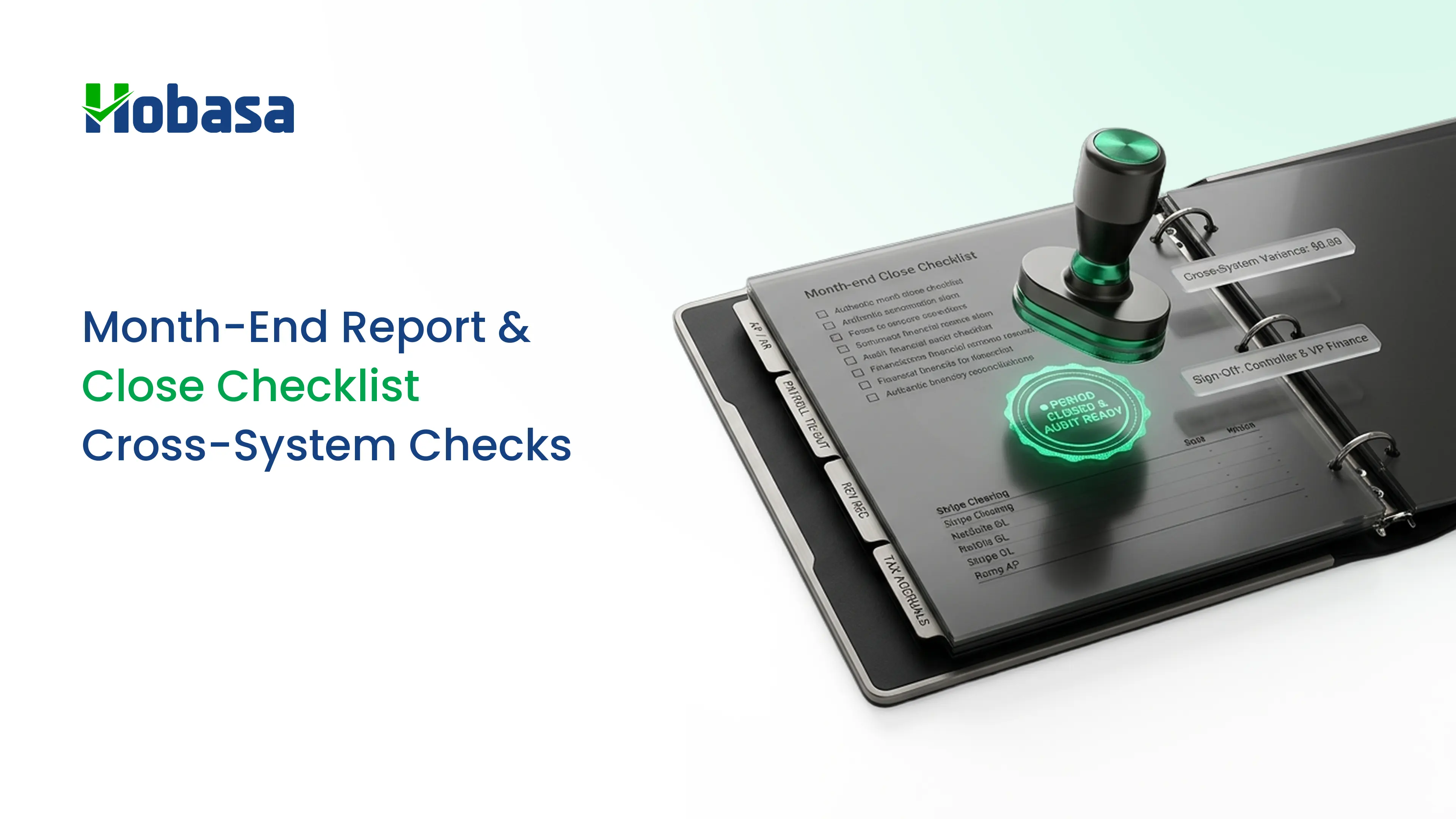
- A month end report depends on a month-end close: cutoff, transactions, reconciliations, adjustments, review, reporting, and a locked period.
- Survey data on close speed varies. Half of finance teams take six or more business days to close, according to Ledge's 2025 benchmarks, and Vena's 2026 survey found an average of 6.2 business days.
- Accuracy is the harder problem. In the Vena survey, 78% of teams had corrected "final" numbers in the past year.
- Complexity drives errors. Teams pulling from 7 to 8 systems restated at 92%, versus 57% for teams using 1 or 2 systems.
- The checks most teams miss compare records across systems: payroll against the ledger, headcount against payroll, hours worked against hours paid and billed, and entity close dates.
- Add a "data quality notes" section to the report. It shows what you checked and what is still open.
A month end report is only as good as the close behind it. The report shows revenue, expenses, profit, cash, and the explanations for what changed. The close is the work that makes those numbers trustworthy.
Most guides give you a task list and stop. The data suggests accuracy is the bigger problem. In an October 2026 survey of 624 US finance and accounting professionals, 78% said their team had to restate or correct numbers within the past year, even after the close was marked complete.
This guide walks through the month-end close checklist, a template you can copy, how to run flux analysis, what belongs in the month end report, and the cross-system checks that catch what single-system reviews miss.
What Is a Month-End Report?
A month end report is the package of financial statements and analysis a finance team prepares after closing the books for a month, so that owners, executives, lenders, and advisors can see how the business performed.
It is also called month end reporting or a monthly financial report. A solid package includes:
- The income statement, balance sheet, and cash flow statement.
- A short set of KPIs.
- Variance commentary that explains the biggest changes.
- Open items and next steps.
What Is the Month-End Close?
The month-end close, also called the financial close process, is the set of steps a finance team completes to confirm that a month's transactions are recorded, reconciled, adjusted, and reviewed before the books for that month are locked.
People often say "close the books" for the same thing. The report is the output. The close is the work.
Reconciliation is one part of the close, not the whole of it. The full close also includes accruals, allocations, review, and the preparation of the financial statements.
How Long Should the Month-End Close Take?
There is no single standard, and sources differ on method, sample, and whether they count business days or calendar days. Here is what recent surveys report.
| Source | Finding |
|---|---|
| Vena survey, August 2026 (624 US finance and accounting professionals) | Average close of 6.2 business days. Single-entity teams averaged 4.7 days, and teams with more than 10 entities averaged 8.3 |
| Ledge 2025 benchmarks (as cited by several guides) | About half of teams take six or more business days. Around 18% close in three or fewer |
| APQC benchmarks (as cited by several guides) | Median of roughly 6 days, though summaries differ between about 6.0 and 6.4, and between calendar and business days |
Two sources are survey-based and one is a vendor-commissioned study, so treat the numbers as ranges. The more useful measure is your own days to close, tracked month over month.
The Month-End Close Timeline
The exact schedule depends on your size and systems. This is a common shape, using business days after month-end.
| When | What happens |
|---|---|
| Last week of the month | Confirm cutoff dates, collect inputs, list expected accruals, and schedule recurring entries |
| Day 1 | Confirm cutoff. Post payables, receivables, expense reports, and payroll |
| Day 2 | Reconcile bank, credit cards, subledgers, and payroll accounts |
| Day 3 | Book accruals, prepaids, depreciation, and revenue adjustments. Reconcile intercompany balances |
| Day 4 | Review the trial balance and journal entries. Run flux analysis and the cross-system checks |
| Day 5 | Prepare the month end report, add commentary, lock the period, and hand off open items |
The Month-End Close Checklist
Use this month end close checklist, also called a monthly close checklist or accounting close checklist, as a starting point. The last column marks the steps that involve more than one system, which is where single-tool reviews are weakest.
| # | Task | Typical owner | Cross-system? |
|---|---|---|---|
| 1 | Confirm cutoff dates and communicate them to the team | Controller | No |
| 2 | Collect and post vendor bills and expense reports through the cutoff | AP | Yes (AP, cards, project systems) |
| 3 | Post revenue and customer invoices through the cutoff | AR | Yes (billing, time, contracts) |
| 4 | Confirm that every payroll run is posted, including bonuses and off-cycle runs | Payroll | Yes (payroll, ledger) |
| 5 | Reconcile bank and credit card accounts | Accountant | No |
| 6 | Reconcile the accounts receivable and accounts payable subledgers to the ledger | Accountant | No |
| 7 | Reconcile payroll liability and clearing accounts to the payroll register | Payroll, accountant | Yes (payroll, ledger) |
| 8 | Reconcile inventory, fixed assets, and loans, where they apply | Accountant | Sometimes |
| 9 | Reconcile intercompany balances and confirm entity close dates | Controller | Yes (multiple entities) |
| 10 | Book accruals, prepaids, and depreciation | Accountant | No |
| 11 | Book revenue recognition adjustments | Controller | Sometimes |
| 12 | Review journal entries, especially large manual entries near period end | Controller | No |
| 13 | Review the trial balance for unusual balances | Controller | No |
| 14 | Run flux analysis and document explanations | Controller, FP&A | No |
| 15 | Run the cross-system checks (below) | Controller, advisor | Yes |
| 16 | Prepare the financial statements and KPI pack | Controller | No |
| 17 | Write commentary and data quality notes | CFO, controller | No |
| 18 | Lock the period and log open items for next month | Controller | No |
Month End Close Checklist Template
If you track the close in a spreadsheet, use one row per task with these columns.
| Column | Purpose |
|---|---|
| Task | What must be done |
| Owner | The one person responsible |
| Due (close day) | For example Day 2 |
| Status | Not started, in progress, or done |
| Evidence | A link to the reconciliation, report, or support |
| Reviewer | Who checked it |
| Notes | Exceptions and open items |
Give every task one owner and one due day. A checklist without owners becomes a status meeting.
Make Your Month-End Close More Reliable
Identify missing transactions, reconciliation gaps, and reporting inconsistencies before they affect your financial close.
Explore HobasaMonth End Reconciliation: What to Reconcile Against What
| Ledger account | Reconcile against |
|---|---|
| Bank and credit cards | Bank and card statements |
| Accounts receivable | The customer aging report |
| Accounts payable | The vendor aging report |
| Payroll expense and liabilities | The payroll register and tax filings |
| Inventory | The physical count or inventory subledger |
| Fixed assets | The asset register |
| Loans and debt | Lender statements |
| Intercompany | The matching account in the other entity |
Payroll is the reconciliation most likely to cross systems. Payroll records live in the payroll provider, and cost lives in the ledger. For the checks in detail, see payroll errors.
Flux Analysis: How to Review Variances
Flux analysis compares each account this month with a baseline, usually last month or the same month last year, and explains the differences.
Set a threshold. For example, investigate any line that moves more than 10% or $5,000. Choose numbers that fit your size.
Compare to a baseline. Prior month and prior year are the usual choices.
Find the driver. A new contract, a one-time cost, a timing difference, or an error.
Write a short explanation. One or two sentences per flagged line.
Act on what is not explained. An unexplained variance is the finding.
Illustrative Example
The threshold is 10% or $5,000.
| Account | This month | Last month | Change | Change % | Explanation |
|---|---|---|---|---|---|
| Revenue | $480,000 | $452,000 | +$28,000 | +6.2% | New contract started mid-month |
| Payroll expense | $212,000 | $196,000 | +$16,000 | +8.2% | Two hires and overtime. Confirm against the payroll register |
| Software subscriptions | $18,400 | $11,900 | +$6,500 | +54.6% | Annual plan expensed in one month. Check whether it should be prepaid |
| Professional fees | $9,200 | $14,800 | -$5,600 | -37.8% | Prior month included a one-time legal fee |
All figures are fictional.
The payroll line is under 10% but over $5,000, so it is flagged. Unexplained lines like the software subscription need action, not just a note.
The Cross-System Checks Most Teams Miss
Most close checklists work inside the accounting system. The numbers that go wrong often live between systems.
The Vena survey of 624 US finance and accounting professionals, commissioned by a financial close software vendor, points the same way:
92% of teams pulling from 7 to 8 systems had corrected a number in the past year, compared with 57% of teams using 1 or 2 systems.
52% of the 7 to 8 system teams spent half or more of the close on manual consolidation, versus 15% of teams using 3 to 4 systems.
Teams with 7 to 10 entities issued corrections multiple times at more than twice the rate of single-entity teams (31% versus 13%).
The two most common causes of the latest correction were data entry or manual errors (28%) and late or missing information from another department (27%).
When asked what would help most, 32% pointed to better integration between systems, and only 19% to additional staff.
Run these checks before you finalize the report.
| # | Check | What to compare | A typical finding | Why one system misses it |
|---|---|---|---|---|
| 1 | Payroll against the ledger | Payroll register totals against labor cost and liabilities in the ledger | A bonus or off-cycle run paid but not posted | The ledger shows only what was entered |
| 2 | Payroll clearing account | Clearing and liability balances against the payroll register | A balance that does not return to zero | Needs payroll and ledger side by side |
| 3 | Headcount | Active employees in the HR system against employees paid | A terminated employee still paid, or a new hire missing | HR and payroll hold separate records |
| 4 | Hours worked, paid, and billed | Schedules or time records against hours paid and hours invoiced | Paid overtime that was never billed | Each system is correct inside its own boundary |
| 5 | Duplicate payments | Same vendor, amount, and date window across entities | One invoice paid by two entities | Each entity's books look normal alone |
| 6 | Entity and period alignment | Close dates, calendars, and currencies across entities | One entity closed on a different cutoff | Needs every entity's calendar |
| 7 | Mapping changes | The chart of accounts and report mapping against last month | Amounts moved between report lines | The new mapping looks normal |
| 8 | Missing recurring items | Expected recurring entries against what posted | A recurring entry that never posted | Nothing unusual exists to flag |
Checks 1 to 6 involve more than one system. For the wider pattern, see financial data integration and QuickBooks reports.
Catch Financial Data Errors Before Reporting
Compare payroll, HR, and accounting records across systems to find discrepancies that traditional close checklists can miss.
Explore the PlatformWhat Goes Into the Month End Report
A good month end reporting package uses the same structure every month.
| Section | What to include |
|---|---|
| 1. Summary | Three bullets: what changed, what matters, what you recommend |
| 2. Income statement | Against the prior period and, where one exists, the plan |
| 3. Balance sheet | Cash, receivables, payables, and debt |
| 4. Cash flow | Cash in and out, and what is coming |
| 5. KPI snapshot | Six to eight KPIs, defined the same way every month |
| 6. Flux commentary | Explanations for lines above the threshold |
| 7. Data quality notes | What you checked, what you found, and what is still open |
| 8. Actions | An owner and a due date for each |
Most reports skip section 7. It is the part that tells readers how much to trust the rest. For KPI ideas, see CFO dashboard checks.
Common Month-End Close Mistakes
Compressing reconciliations into close week. Spread them across the month where you can.
No cutoff discipline. Late bills and expense reports keep changing the numbers.
Skipping the cross-system checks. The books look clean while payroll, HR, and the ledger disagree.
Unowned tasks. Without one owner per task, nothing has a clear deadline.
Explaining variances loosely. "Timing" is not an explanation unless you can show the timing.
Final means final, until it is not. Without a locked period and a log of changes, numbers drift after the report goes out.
Chasing information late. The Vena survey found that chasing information from other departments was the top close challenge, at 34%.
Read also: 10 Signs Your Business Is Losing Money Between Systems in 2026.
Month-End Close Tools: What Each Category Does
| Category | What it does | Where it stops |
|---|---|---|
| Close management | Task lists, owners, deadlines, and status | Does not check the data inside the tasks |
| Reconciliation and matching | Matches transactions to bank and card statements | Mostly works on one account type at a time |
| Consolidation | Combines entities into one set of statements | Needs clean inputs from each entity |
| Reporting and dashboards | Builds the month end report | Shows what it receives |
| Practice management | Tracks the monthly workflow for advisors | Does not compare records |
| Cross-system data check | Compares payroll, HR, and ledger records | Not a task or reporting tool |
For reporting tools, see financial reporting tools. For advisors running the close for many clients, see CAS software.
Where Hobasa Fits in Your Month-End Close
Hobasa is not close management software, reconciliation software, or reporting software. It does not match bank transactions, book accruals, or produce financial statements.
Its role is the cross-system check. Hobasa reads across finance, HR, and payroll systems and surfaces where they disagree, so you find the mismatch before the report goes out.
| Close moment | What Hobasa does (per its pages) |
|---|---|
| Payroll against the ledger | Compares what was paid to people with what was booked as labor cost |
| Headcount | Matches the same person across HR, payroll, and time systems at the employee level |
| Hours worked, paid, and billed | Lines up scheduling, payroll, and billing records, line by line |
| Multi-entity close | Aligns subsidiary calendars, close dates, and currencies into one view |
| Between closes | Checks payroll variance every pay period and flags cost spikes between closes without being asked |
| Duplicate payments | Flags them against your rules |
| Disagreements | Keeps both numbers where two systems disagree |
Every finding cites the exact record it came from, and an analyst reviews it before it reaches you. Access is read-only by default, and Hobasa works alongside your existing tools. It is delivered as a managed layer with people supporting your team.
Illustrative Finding
Question: Why does the payroll register not match labor cost in the ledger?
Finding: The payroll register shows gross wages of $212,400 for the month. The ledger shows $206,900. The $5,500 difference matches a bonus run that was paid but not posted.
Sources: Payroll register, month-end. General ledger, labor cost accounts.
Status: Reviewed by analyst before delivery.
The finding is fictional.
It connects to systems including QuickBooks Online, NetSuite, Sage Intacct, ADP Workforce Now, Workday, and Rippling. See integrations. If a system is not listed, the team can confirm how quickly it can be connected.
Advisors who run the close for several clients can see how Hobasa works for fractional CFOs and CPA firms.
Check What Your Close Can't See
Explore how payroll, HR, and accounting records are compared, with the source behind every finding.
Explore the PlatformHow to Improve Your Close in 30 Days
Week 1: write down your current days to close and every task. Assign one owner and one due day to each.
Week 2: set cutoff rules, spread reconciliations across the month, and add the cross-system checks to the checklist.
Week 3: run the checks for one close and log every exception, even small ones.
Week 4: add data quality notes to the report, lock the period, and compare days to close with the month before.
Change one thing at a time so you can see what worked.
Conclusion
A month end report is the output of a reliable month-end close. It brings together the income statement, balance sheet, cash flow, KPIs, variance commentary, and open items.
A consistent close checklist helps teams confirm cutoff, post transactions, reconcile accounts, book adjustments, review variances, and lock the period.
But completing the checklist does not automatically make the numbers accurate. Payroll, HR, billing, and accounting records can disagree even when each individual system looks correct.
Add cross-system checks and data quality notes before finalizing the report. They show what was checked, what was found, and what still needs attention.
Hobasa supports this process by comparing finance, HR, and payroll records, surfacing discrepancies, and providing the source behind each finding.
Check What Your Month-End Close Can't See
Explore how Hobasa compares payroll, HR, and accounting records to surface discrepancies, with the source behind every finding.
FAQs
A month end report is the package of financial statements and analysis a finance team prepares after closing the books for a month. It typically includes the income statement, balance sheet, cash flow, KPIs, variance commentary, and open items.
The month-end close is the process of confirming that a month's transactions are recorded, reconciled, adjusted, and reviewed before the books are locked. It produces the numbers behind the month end report and is often called closing the books.
The main steps are confirming cutoff, posting transactions, reconciling accounts, booking accruals and adjustments, reviewing journal entries and the trial balance, running flux analysis, preparing the reports, and locking the period. Add cross-system checks between reconciliation and reporting.
There is no single standard. Surveys vary: Vena's August 2026 survey found an average of 6.2 business days, and Ledge's 2025 benchmarks found about half of teams take six or more. Track your own days to close and improve it steadily.
A month end close checklist, also called a financial close checklist, lists every task needed to close the books, with an owner and a due day for each. It usually covers cutoff, posting, reconciliations, adjustments, review, reporting, and locking the period.
Flux analysis compares each account with a baseline, such as last month or the same month last year, and explains the differences above a set threshold. It helps catch errors and one-time items before the month end report goes out.
Month end reconciliation compares ledger balances with an outside source, such as bank statements, vendor and customer aging reports, or the payroll register. It confirms balances are accurate. It is one part of the close, not the whole of it.
Spread reconciliations across the month, enforce cutoff dates, give every task one owner, standardize the checklist, and fix recurring errors at the source. Reducing manual consolidation between systems also helps, as survey respondents pointed to better integration most often.
In the Vena survey, 78% of teams had corrected numbers after a close was marked complete. The top causes were data entry or manual errors (28%) and late or missing information from another department (27%). More systems and entities made it more likely.
Month-end close finalizes one month's records and produces monthly reports. Year-end close adds annual tasks, such as full-year reconciliations, tax and statutory preparation, and closing the books for audit. The month-end routine is the foundation for both.
Compare payroll registers with labor cost in the ledger, active employees in the HR system with employees paid, hours worked with hours paid and billed, duplicate payments across entities, and close dates across entities. Single-system reports tend to miss these.
No. Hobasa is not close management, reconciliation, or reporting software. It reads across finance, HR, and payroll systems and flags where they disagree, so the numbers feeding your close and report can be checked. Access is read-only by default.