- There is no single best client advisory services software. CAS delivery uses several tools across four jobs: reporting, forecasting, practice management, and proposals and pricing.
- CAS is growing fast. The 2024 CPA.com and AICPA benchmark survey reported 17% median growth, and firms with CFO-level advisory revenue earned more than 30% higher monthly recurring revenue.
- The ten tools below are grouped by job, not ranked. Fit depends on your client count, service tiers, and how forecast-heavy your advice is.
- Reporting tools present data well. They do not prepare it, and that preparation is where advisory time disappears.
- Below: the quick answer, a comparison table, ten tool profiles, how the stack fits together, the missing data layer, how to choose, and where Hobasa fits.
What Is the Best Client Advisory Services Software for CPA Firms?
There is no single best client advisory services software. The best choice depends on which job you are solving.
Advisory reporting and KPIs: Fathom for advisory-led reporting. Reach Reporting, Spotlight Reporting, or Syft Analytics for many clients or entities.
Forecasting and planning: Jirav for deep, driver-based FP&A. LivePlan for small-business and startup clients.
Practice management and client collaboration: Karbon for firms with several service lines, TaxDome for a client portal, Financial Cents for smaller CAS practices.
Proposals and recurring pricing: Ignition.
Data preparation and cross-system checks: a layer like Hobasa, which sits alongside the tools above.
The sections below explain each choice.
What Is Client Advisory Services Software?
Client advisory services (CAS) software is the set of tools a CPA firm uses to deliver recurring, advisory-level work: ongoing reporting and KPIs, forecasting, client communication, and pricing, built on top of cloud accounting.
CAS itself usually means recurring work such as controller support, cash flow planning, KPI reviews, and owner decision support, delivered on a monthly or quarterly rhythm instead of a one-time project.
You will see the same tools described as CAS software for CPA firms, client advisory software, accounting advisory software, CPA advisory software, or client advisory services tools. The labels overlap. What matters is which job each product actually does.
Why CAS Technology Matters in 2026
The opportunity is well documented. The 2024 CPA.com and AICPA PCPS CAS Benchmark Survey covered 206 U.S. CAS practices, using 2023 data. It found median CAS growth of 17%, and median CAS revenue up 61% since the 2022 survey.
Firms also expect more. They projected CAS revenue to nearly double over three years.
Higher-level advice pays. Firms with significant revenue from CFO-level or business insights services earned more than 30% higher monthly recurring revenue.
The obstacles are just as clear. Firms named staffing as their top obstacle, followed by clients' understanding of what CAS is worth.
Technology helps with the first. It cannot fix the second.
In April 2025, the AICPA's Accounting and Review Services Committee clarified how the financial statement preparation standard applies within CAS engagements. CPA.com said modern CAS, with its dashboards and business insights, falls under consulting and advisory services.
These statistics come from the 2024 survey. CPA.com has said a 2026 edition is due in December 2026.
For how AI is changing the same work, see [How AI Is Reshaping Finance and Accounting Operations.](https://hobasa.com/blog/how-ai-is-reshaping-finance-and-accounting-operations
Client Advisory Services Software Comparison: The 10 at a Glance
The tools are grouped by job, not ranked. For advisory services software for accountants, fit with your client count and service tiers matters more than rank.
| Tool | Job in a CAS practice | Best for | Core strength |
|---|---|---|---|
| Fathom | Reporting | Advisory-led reporting | Client-ready KPI reports and analysis |
| Reach Reporting | Reporting | High client and entity counts | Templated, consolidated dashboards |
| Spotlight Reporting | Reporting | Client-facing reporting and consolidation | Reporting and benchmarking across entities |
| Syft Analytics | Reporting | Firms starting out on advisory | Multi-client dashboards at an accessible entry point |
| Jirav | Forecasting | Forecast-led CFO advisory | Driver-based models and scenarios |
| LivePlan | Forecasting | Startup and small-business clients | Business planning and budget-vs-actual |
| Karbon | Practice management | CAS as one of several service lines | Workflow, tasks, and client requests |
| TaxDome | Practice management | Larger practices wanting a portal | All-in-one client portal |
| Financial Cents | Practice management | Smaller CAS practices | Workflow and recurring work |
| Ignition | Proposals and pricing | Firms with an active advisory practice | Engagement letters and recurring billing |
The 10 Client Advisory Services Software Tools CPA Firms Shortlist
1. Fathom
Job in a CAS practice: reporting and insights. Best for: advisory-led CAS where the core deliverable is a client-ready monthly report.
Fathom turns accounting data into management reports, KPI tracking, cash flow forecasting, and consolidated reporting. It is widely seen as the advisory reporting leader among tools built for accounting firms.
Strengths
- Polished, client-ready reports and KPI tracking.
- Consolidated reporting across entities.
- Fast to a first report.
Consider
- Forecasting and budgeting are lighter than Jirav or LivePlan.
- Integrations are primarily QuickBooks and Xero focused.
Ask in the demo: show a monthly client pack built from one of our own client files, and how benchmarking works.
CPA takeaway: a sensible default when reporting is the core of your advisory offer.
2. Reach Reporting
Job in a CAS practice: reporting at volume. Best for: firms managing many clients or many entities at once.
Reach Reporting is built for high client counts. Reviewers highlight templated, consolidated dashboards and a balance between automation and polish.
Strengths
- Consolidation and templated dashboards across many clients.
- Mid-range balance of features.
- Fast setup.
Consider
- Jirav is generally seen as stronger for forecasting.
- Like Fathom, it leans toward QuickBooks and Xero clients.
Ask in the demo: show how one dashboard template rolls out to fifty clients, and how exceptions are handled.
CPA takeaway: worth a look once client count makes one-off reports unmanageable.
3. Spotlight Reporting
Job in a CAS practice: client-facing reporting and consolidation. Best for: firms offering virtual CFO-style services across many clients.
Spotlight Reporting is known for client-facing reporting, benchmarking, and multi-entity consolidation, with plans scaled by client count.
Strengths
- Client-facing reports and benchmarking.
- Multi-entity consolidation.
- Fits virtual CFO practices.
Consider
- Test the depth of forecasting against Jirav for forecast-led clients.
- Confirm that its templates match the deliverables you already sell.
Ask in the demo: show a consolidated multi-entity report and the version your client actually sees.
CPA takeaway: a strong option for consolidation-heavy advisory work.
4. Syft Analytics
Job in a CAS practice: reporting and dashboards at an accessible entry point. Best for: firms beginning to productize advisory.
Syft Analytics connects to existing accounting platforms and focuses on analysis, presentation, and consolidation. It is often described as a good-value starting point.
Strengths
- Analysis, presentation, and consolidation in one tool.
- Multi-client dashboards.
- Approachable for a first advisory offer.
Consider
- Confirm how far its planning features go for forecast-led clients.
- Compare templates and branding options with Fathom.
Ask in the demo: show setup time for a new client, and how reports are branded for your firm.
CPA takeaway: a practical first step into advisory reporting.
5. Jirav
Job in a CAS practice: forecasting and planning. Best for: forecast-led advisory where clients need models, not just reports.
Jirav is a full-cycle FP&A platform. It supports driver-based modeling, three-statement forecasts, and scenario planning. Its accounting-firm partner program prices per client, which suits CAS economics.
Strengths
- Deep financial modeling and scenario planning.
- Connectors for platforms including Sage Intacct.
- Designed for firms delivering high-touch advisory.
Consider
- More modeling depth means more setup and more advisor skill.
- Overkill if your deliverable is a monthly KPI pack.
Ask in the demo: show a three-statement forecast built from one of our clients, and how much of it our team maintains.
CPA takeaway: choose it when forward-looking models are what you actually sell.
6. LivePlan
Job in a CAS practice: business planning. Best for: firms serving startups and small businesses that need planning alongside advisory.
LivePlan helps small businesses build plans and track budget against actuals. It is more business-owner-oriented than CPA-firm-oriented.
Strengths
- Business planning and forecasting for small clients.
- Strong budget-vs-actual views.
- Good for firms starting advisory.
Consider
- Less multi-client management than purpose-built firm tools.
- Better suited to smaller engagements.
Ask in the demo: show how a firm manages many client plans in one place.
CPA takeaway: useful for small-business advisory, less so for large client books.
7. Karbon
Job in a CAS practice: practice management and client collaboration. Best for: firms running CAS as one of several service lines.
Karbon is firm-wide practice management for accounting firms with multiple service lines. It handles task assignment, due dates, client requests, and status visibility. A proposals module is available for existing Karbon users.
Strengths
- Workflow and visibility across service lines.
- Client request management.
- Operational backbone for recurring work.
Consider
- General practice management, not CAS-specific.
- Does not produce the advisory reports or models itself.
Ask in the demo: show how a recurring monthly CAS deliverable is scheduled, tracked, and reviewed.
CPA takeaway: the workflow layer that keeps monthly deliverables on time.
8. TaxDome
Job in a CAS practice: client portal and practice management. Best for: larger advisory practices that want a polished all-in-one portal.
TaxDome combines a client portal with practice management, documents, and communication in one platform. The descriptions available for this tool come largely from vendor-authored roundups, so verify them.
Strengths
- All-in-one client portal.
- Communication, documents, and workflow in one place.
Consider
- All-in-one scope may exceed what a CAS-only team needs.
- Check profitability and recurring-fee tracking for fixed-fee advisory.
Ask in the demo: show how a monthly advisory engagement runs from request to delivery to billing.
CPA takeaway: good when the client experience is the priority.
9. Financial Cents
Job in a CAS practice: workflow for recurring client work. Best for: smaller CAS practices that want structure without a full suite.
Financial Cents covers workflow, project management, and CRM-style tracking for firms managing recurring client work. It is often positioned as an accessible option for smaller CAS practices.
Strengths
- Workflow built for recurring accounting work.
- Accessible for smaller teams.
Consider
- Lighter than larger suites as complexity grows.
- Descriptions in the roundups reviewed are partly vendor-authored.
Ask in the demo: show how a new advisory client is onboarded and tracked.
CPA takeaway: a lean way to organize monthly CAS deliverables.
10. Ignition
Job in a CAS practice: proposals, engagement letters, and recurring pricing. Best for: firms with an active and growing advisory practice.
Ignition is frequently described as the standard proposal and billing tool for firms with advisory practices. It supports engagement letters, payment collection, and a service library.
Strengths
- Native engagement letters and payment collection.
- Service library for repeatable packages.
Consider
- Scoping logic is basic, so pricing intelligence may need a separate tool.
- It sells and bills the work. It does not deliver it.
Ask in the demo: show how a three-tier advisory package is proposed, accepted, and billed monthly.
CPA takeaway: pricing and scope discipline matter as much as delivery tools.
Also worth a look: Canopy, for practice management and client portals; Uku, for profitability tracking on fixed-fee work; Liscio and Client Hub, for client collaboration; Float, for cash flow forecasting; and Holistiplan, for tax planning within advisory engagements.
See How Hobasa Fits Into Your CAS Stack
Compare your current reporting, forecasting, and practice management tools with the data layer underneath them. See how Hobasa helps CPA firms review data across client systems before advisory work begins.
Explore the Hobasa PlatformThe Foundation: Your Clients' Accounting Platforms
None of these tools replaces the accounting platform underneath.
QuickBooks Online and Xero are the standard platforms for most small-to-mid-market CAS clients. One CAS practice guide suggests Sage Intacct for clients above roughly $10 million in revenue or with multi-entity structures.
Report quality starts here. If the books are messy, every reporting tool inherits the mess. For how that plays out, see QuickBooks Reports Are Not Enough: Closing the Gap Between Your Books and Your Business.
CPA Firm Technology: How the Stack Fits Together
A CAS practice usually layers its tools like this.
| Layer | What it does | Examples in this guide |
|---|---|---|
| Foundation | Holds each client's books | QuickBooks Online, Xero, Sage Intacct |
| Reporting and insights | Turns books into KPI packs and dashboards | Fathom, Reach Reporting, Spotlight Reporting, Syft Analytics |
| Forecasting and planning | Models the future | Jirav, LivePlan |
| Practice management | Runs the recurring workflow | Karbon, TaxDome, Financial Cents |
| Proposals and billing | Scopes and bills recurring work | Ignition |
| Data preparation and review | Checks data across client systems before advice | A cross-system layer, covered below |
This guide does not cover tax preparation, audit, or workpaper tools, which sit in a different part of CPA firm technology.
For how data moves between these layers, see Financial Data Integration: What It Means and Why It's Harder Than It Sounds.
The Missing Layer: Data Preparation
Here is the wall most CAS firms hit. Reporting tools are excellent at presenting data. They are weak at preparing it.
Before a report is worth sending, someone has to gather, reconcile, and validate the underlying records. That work comes before any real analysis, and it rarely appears in a software demo.
It also crosses systems. A client's ledger, payroll provider, and operations data each tell part of the story, and the reporting tool usually reads only one of them.
Illustrative example. A CAS team prepares a monthly KPI pack for a client. The pack looks healthy. Behind it, one payroll run was never posted, so labor cost in the ledger is understated and margin looks better than it is. The reporting tool shows the number accurately. It has no way to know the payroll record disagrees.
The example is fictional.
This pattern is not unique to CAS. See 10 Signs Your Business Is Losing Money Between Systems in 2026 and Disconnected Finance Systems Are Costing You More Than You Think.
For payroll specifically, Payroll Software Solutions: A 2026 Buyer's Guide explains what payroll platforms do and don't verify.
See the Data Layer Behind Your Advisory Work
Hobasa compares records across accounting, payroll, and operational systems so your team can spend less time reconciling data and more time advising clients.
See How Hobasa WorksHow to Choose Client Advisory Services Software
Choosing accounting firm advisory software starts with what you actually sell.
| If your firm is... | Start your shortlist with |
|---|---|
| Starting advisory, a few clients | Fathom, Syft Analytics, LivePlan |
| Advisory-led, KPI reporting is the deliverable | Fathom |
| Forecast-led, models are the deliverable | Jirav |
| High client count or many entities | Reach Reporting, Spotlight Reporting |
| CAS is one of several service lines | Karbon |
| Client experience and portal come first | TaxDome |
| Small CAS practice needing workflow | Financial Cents |
| Selling recurring advisory packages | Ignition |
Questions to ask every vendor
1. How is pricing structured for an accounting firm: per client, per firm, or per user?
2. Which accounting platforms do you connect to, including QuickBooks Online, Xero, and Sage Intacct?
3. Can one template roll out across all our clients?
4. What do clients actually see, and can it carry our branding?
5. How much data cleanup is needed before the first useful report?
6. What AI features are included, and can a person review the output before a client sees it?
7. Who owns the client data and the templates if we leave?
8. How long did your last three firm implementations take?
A 30-day evaluation plan
1. Week 1: define your service tiers and deliverables first. Buying before defining the service is a common mistake.
2. Week 2: shortlist three tools from different jobs, not three reporting tools.
3. Week 3: pilot with three real clients: one clean, one average, one messy.
4. Week 4: measure time to first report, hours of data cleanup, and how clients reacted.
Common mistakes to avoid
- Buying a tool before defining the advisory service it supports.
- Underinvesting in setup, then blaming the software.
- Skipping team training.
- Letting every client's deliverable look different.
- Assuming the tool will fix messy client books.
Where Hobasa Fits: The Data Preparation and Review Layer
Hobasa is not CAS reporting software, forecasting software, practice management, or a pricing tool. It doesn't plan, budget, or forecast. If you need those, the tools above are the right category.
What Hobasa does is read across a client's accounting, payroll, and operational systems and surface where they disagree. It is built for advisory firms that serve many clients.
On its CPA page, Hobasa describes these capabilities:
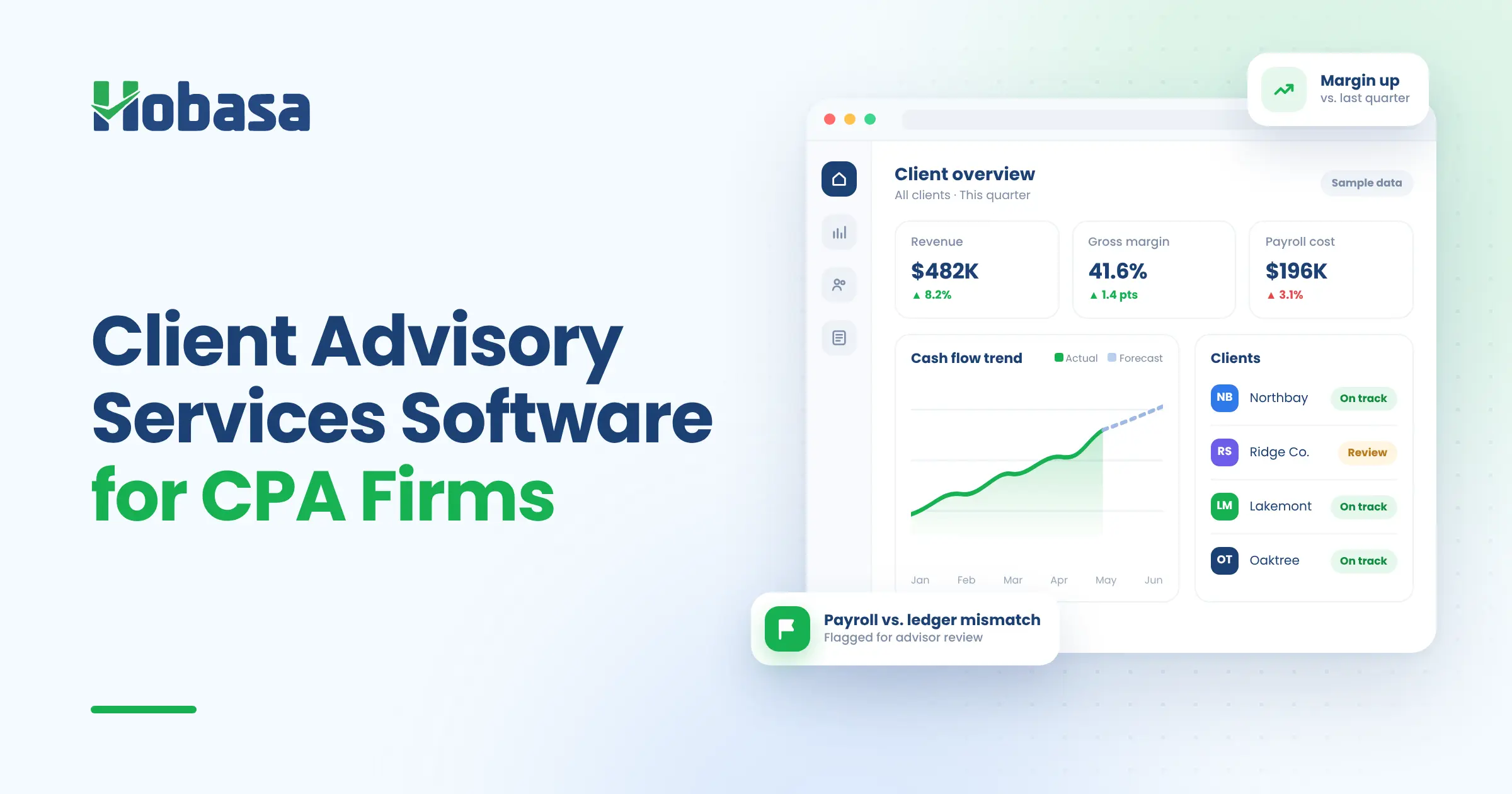
Multi-client dashboard with individual client views. One connected view across the book, with drill-down into any client.
Exception-based review. Partner and senior time goes to the items flagged as worth a look, not a line-by-line scan.
Anomaly detection across accounting, payroll, and operations. Unusual transactions, misclassifications, and recurring issues surface before review.
Advisory opportunity identification. Moments where a client may need cash, margin, hiring, or planning guidance, with the data behind them.
Compliance gap detection with alerts. Continuous monitoring instead of period-end surprises.
Every finding cites the exact record it came from, and an analyst reviews it before it reaches you. Hobasa is delivered as a managed layer with real people supporting your firm, and it sits on top of your tools rather than replacing them. Access is read-only by default.
It works alongside reporting and practice management tools such as the ones in this guide. For accounting and HR systems, Hobasa connects to platforms including QuickBooks Online, NetSuite, Sage Intacct, Zoho Books, FreshBooks, ADP Workforce Now, Workday, and Rippling. If a client's system is not on the list, the team can confirm how quickly it can be connected. See the integrations page.
For the finance checks behind this, see CFO Dashboard Examples: The 10 Checks Hobasa Runs on Every Client. For where leakage tends to hide in a client's books, see Detecting and Preventing Financial Leakage: How to Plug the Gaps.
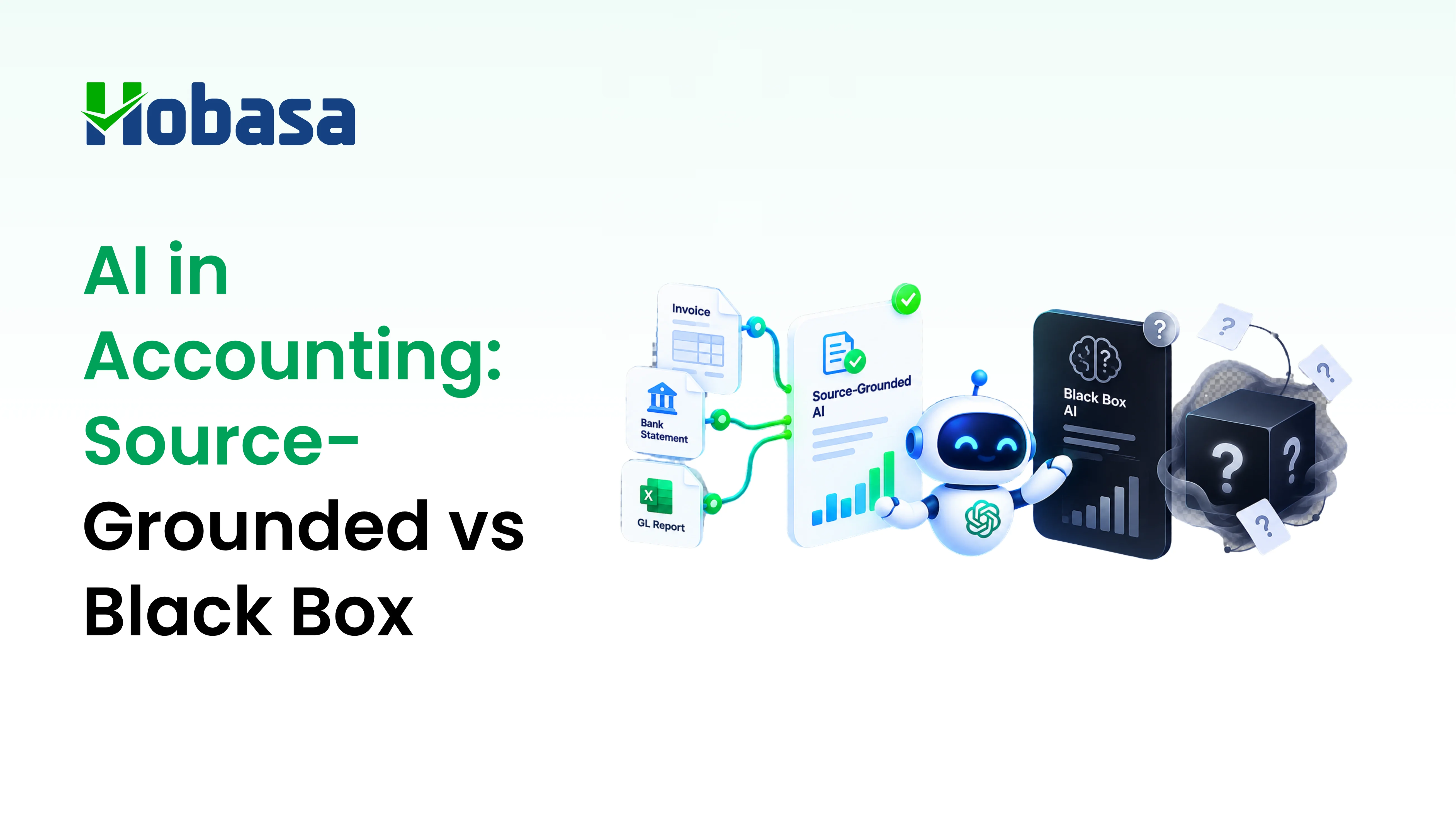
Findings should be source-grounded, not just confident. We explain why that matters in AI in Accounting: Why Source-Grounded Beats Black Box for CPA Firms.
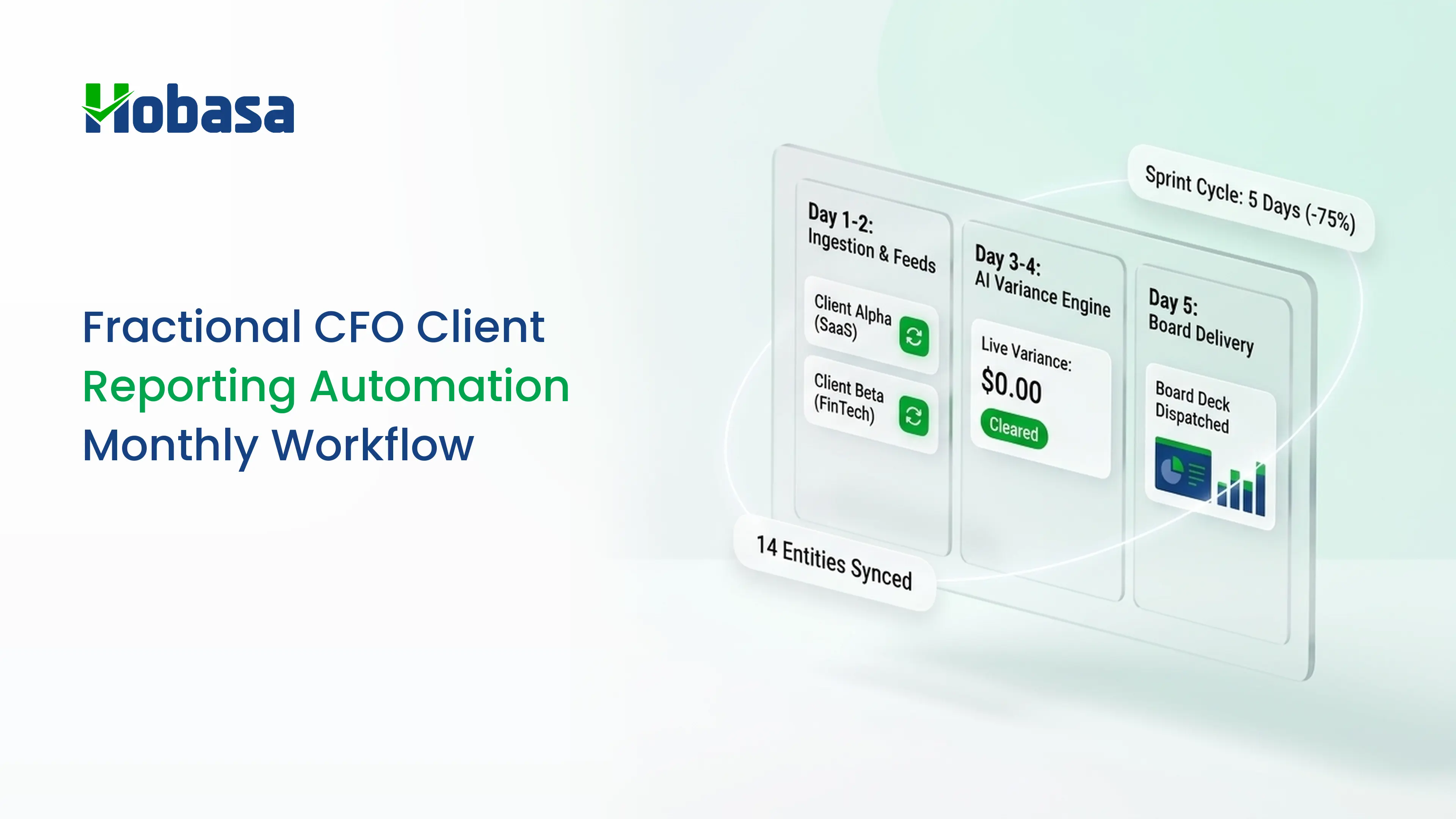
Learn more on the CPA firm page and the page for advisory firms. If your firm also runs CFO engagements, see how Hobasa supports fractional CFOs.
See the layer between your clients' systems and your advice.
Explore the Hobasa platform to see how records from separate systems are compared, with the source behind every finding.
Talk to our teamConclusion
The right client advisory services software is a stack, chosen by the job each tool does and the advice your firm actually sells. Define the service first. Then pick tools for reporting, forecasting, workflow, and pricing that fit it.
Then check the layer underneath. Advice is only as good as the data behind it, and across a book of clients that data lives in many systems.
For more guides for firms like yours, browse the CPA firm articles.
Talk to the Hobasa team about the client data you reconcile by hand. Get in touch and tell us which systems your clients run.
Turn business data into decision-ready insight.
Connect Finance, HR, Payroll, and Operations data to surface the context behind business signals, so your team can understand what is happening and decide what to do next.
FAQs
Client advisory services software is the set of tools a CPA firm uses to deliver recurring advisory work: ongoing reporting and KPIs, forecasting, client communication, and pricing, built on top of cloud accounting. It is usually a stack of several tools, not one product.
There is no single best option. Fathom suits advisory-led reporting, Jirav suits forecast-led work, Reach Reporting and Spotlight Reporting suit high client counts, Karbon suits firms with several service lines, and Ignition suits recurring advisory pricing.
Most CAS practices need a cloud accounting platform, a reporting and KPI tool, a forecasting tool where clients need it, practice management for recurring workflow, and a proposal and billing tool for recurring fees. A data preparation layer helps when clients run several systems.
Fathom leads on advisory-style reporting: polished, client-ready KPI reports from historical data. Jirav leads on forecasting: driver-based models, three-statement forecasts, and scenarios. Many firms choose based on whether their core deliverable is reporting or forward-looking planning.
Usually, yes. Recurring monthly deliverables for many clients are hard to track in spreadsheets. Practice management tools, sometimes sold as accounting client management software, handle tasks, due dates, client requests, and visibility, which keeps CAS deliverables on schedule.
Pricing varies. Some reporting and forecasting tools offer firm or partner programs priced per client, while practice management tools often price per user. Ask each vendor how pricing scales with your client count, and include setup, training, and maintenance time in total cost.
Reporting tools present data once it is clean. Gathering, reconciling, and validating client records across accounting, payroll, and operational systems still takes manual time before any analysis begins, and it often appears only after a tool is in use.
No. Hobasa is not reporting, forecasting, practice management, or pricing software. It reads across a client's accounting, payroll, and operational systems and flags where they disagree, alongside the tools a firm already uses. Access is read-only by default.